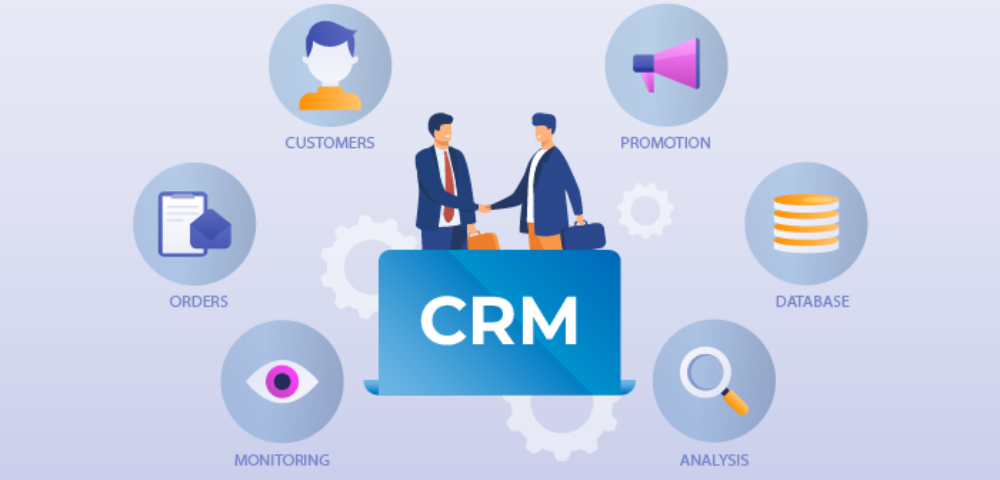
In today’s fast-paced business world, customer relationship management (CRM) software has become essential for streamlining sales, enhancing customer service, and improving marketing strategies. But before selecting the right CRM, it’s crucial to understand the payment structure crm software. Knowing how CRM pricing works can help businesses choose a solution that fits both their budget and operational needs.
1. Subscription-Based Pricing
The most common payment structure for CRM software is the subscription-based model. In this setup, users pay a recurring fee—usually monthly or annually—to access the software. This model is ideal for businesses that want to avoid large upfront costs.
Key Features:
-
Monthly/Annual Billing: Discounts are often available for annual subscriptions.
-
Tiered Plans: Most CRMs offer several plans (e.g., Basic, Professional, Enterprise) with increasing features and user limits.
-
Scalability: Easy to upgrade or downgrade as your business needs change.
Popular CRMs like Salesforce, HubSpot, and Zoho follow this model, offering flexible plans tailored to different business sizes and industries.
2. Per User Pricing
Most CRM platforms combine the subscription model with per-user pricing. This means you pay based on how many team members will use the software.
Pros:
-
Cost-efficient for small teams.
-
You only pay for what you need.
Cons:
-
Costs can rise quickly as your team grows.
-
May limit access for cross-functional collaboration if licenses are restricted.
For example, a CRM might charge $25 per user per month. A 10-person sales team would cost $250/month on a standard plan.
3. Freemium and Free Trials
Many CRM providers offer freemium models or free trials. These options allow businesses to try before they buy, which is great for evaluating the software’s fit.
Freemium: Basic features are available for free, often with limits on users, storage, or integrations.
Free Trials: Full-featured access for a limited time (usually 14–30 days).
These models help startups or small businesses get started with CRM software without a financial commitment.
4. One-Time License Fee
Less common today, some CRM systems still offer a one-time license purchase—especially in on-premise solutions. While the upfront cost is higher, this can be cost-effective long term for large enterprises.
Considerations:
-
Requires in-house IT infrastructure.
-
Limited flexibility compared to cloud-based models.
-
Maintenance and updates may incur additional fees.
5. Add-On and Customization Costs
Beyond the core pricing model, businesses should also consider:
-
Add-on modules: Marketing automation, advanced reporting, or AI features.
-
Customization: Tailoring the CRM to fit unique workflows.
-
Integration Fees: Connecting with other tools like ERP, email marketing, or helpdesk platforms.
-
Training & Support: Some providers charge for onboarding or premium support services.
Choosing the right CRM isn’t just about features—it’s about finding a payment structure that aligns with your business goals. Carefully review pricing tiers, calculate per-user costs, and consider long-term scalability. A CRM should empower your team—not become a financial burden. With a clear understanding of CRM payment structures, you’ll be better positioned to make a smart investment that supports growth and customer success.

0 Comments